Daysheets mobile allows you to add a document to your itinerary quickly and easily.
Simply click the
+ button in the top right corner and choose Add a Document from the dropdown menu.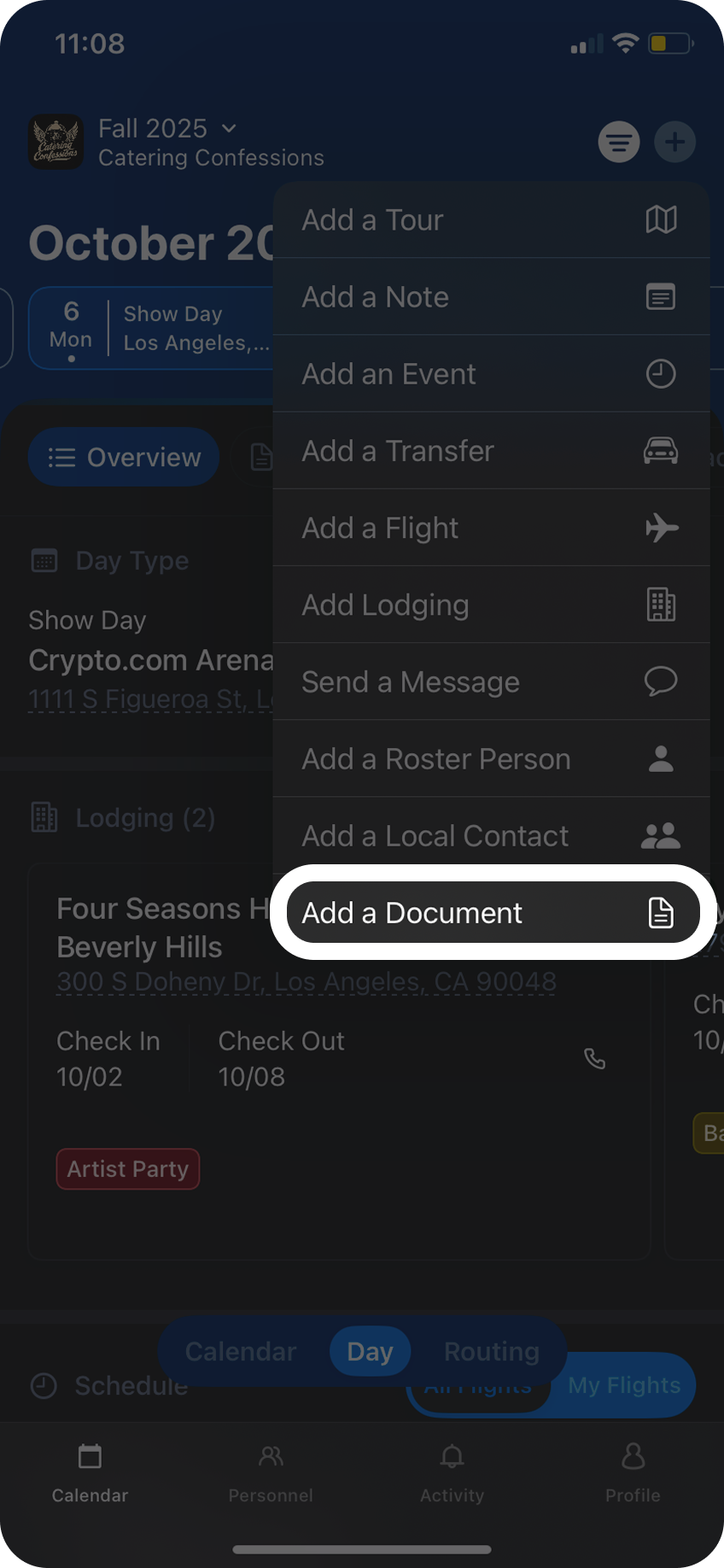
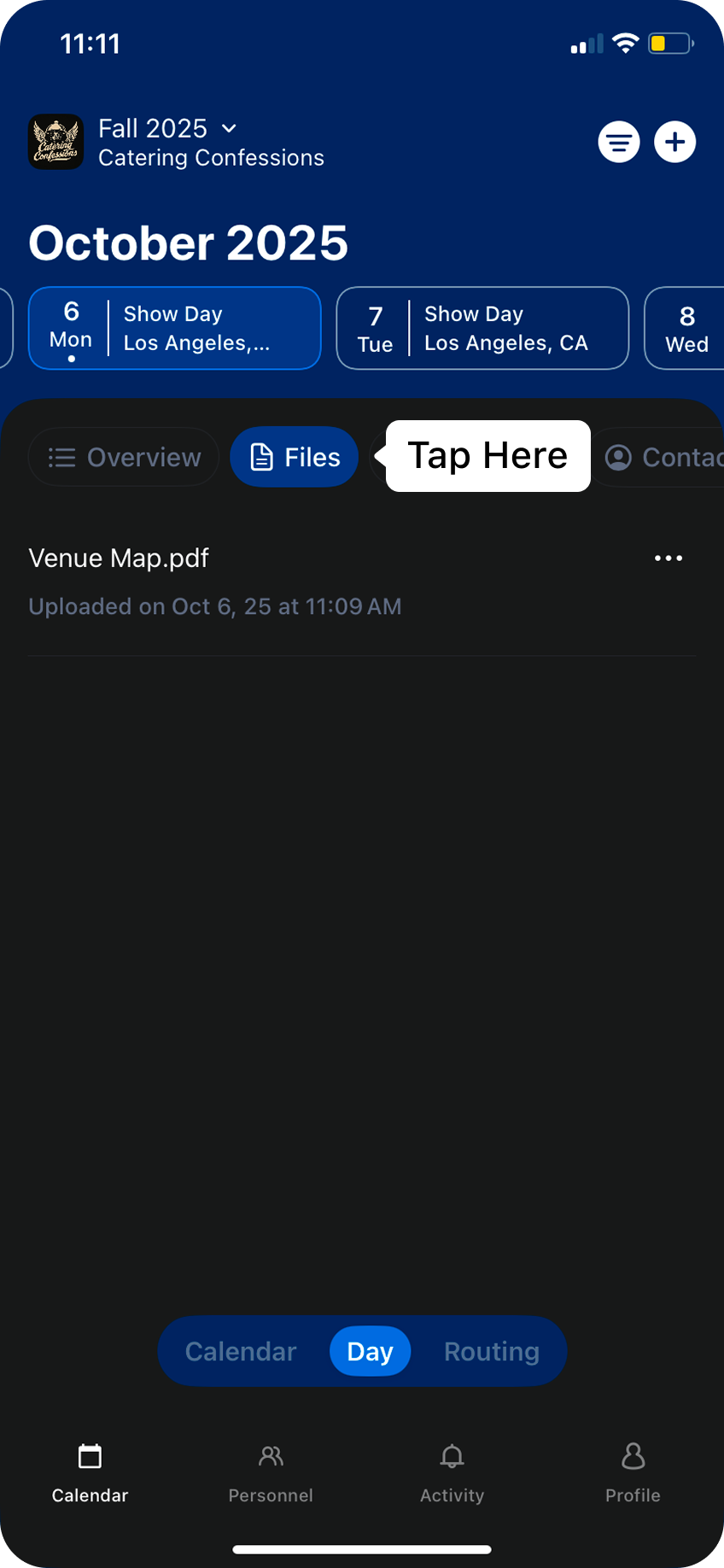
To view this document, click on the
Files tab in the Day View.