Step 1Tap
Profile in the bottom right hand corner of the Daysheets.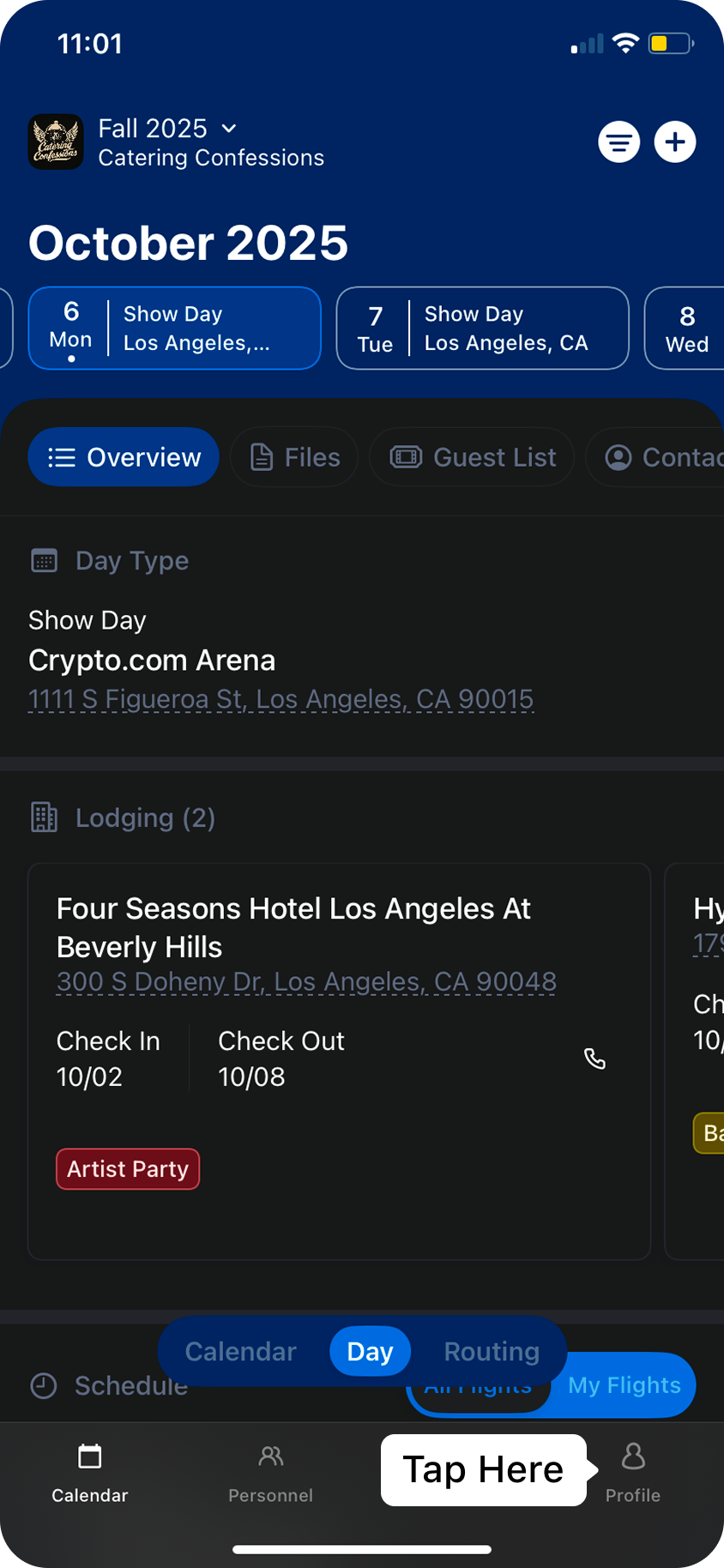
Step 2Next, tap
Adjust Appearance at the top of the list. This will bring you into the menu where you can adjust the order of how information is displayed in Daysheets.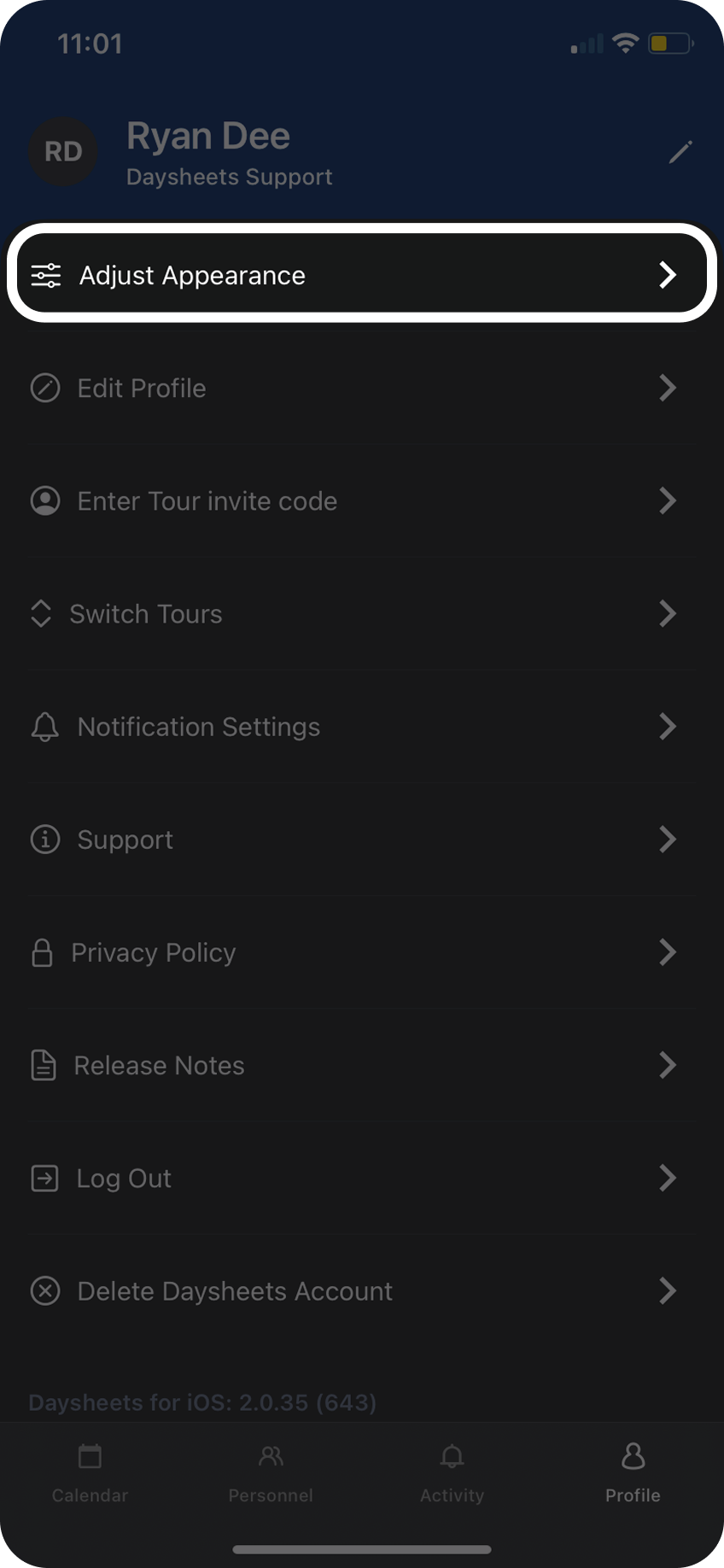
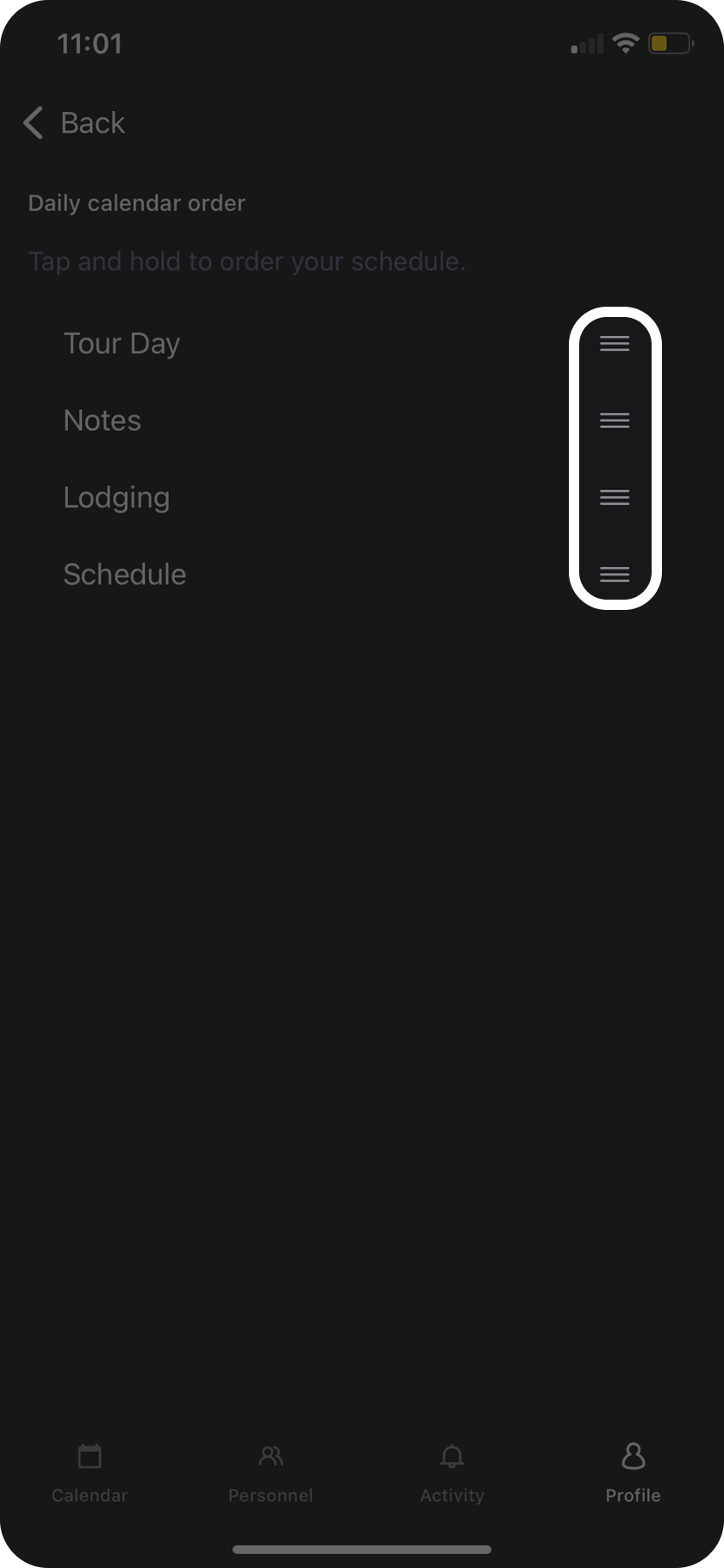
Step 3To re-order the different sections, tap and hold the three lines next to each section, and drag the sections into the order you prefer.