Left Navigation
The menu on the left side of the app gives you access to the Tour Menu, which gives you quick access to the Personnel Grid, Tour Documents, and the Flight Grid.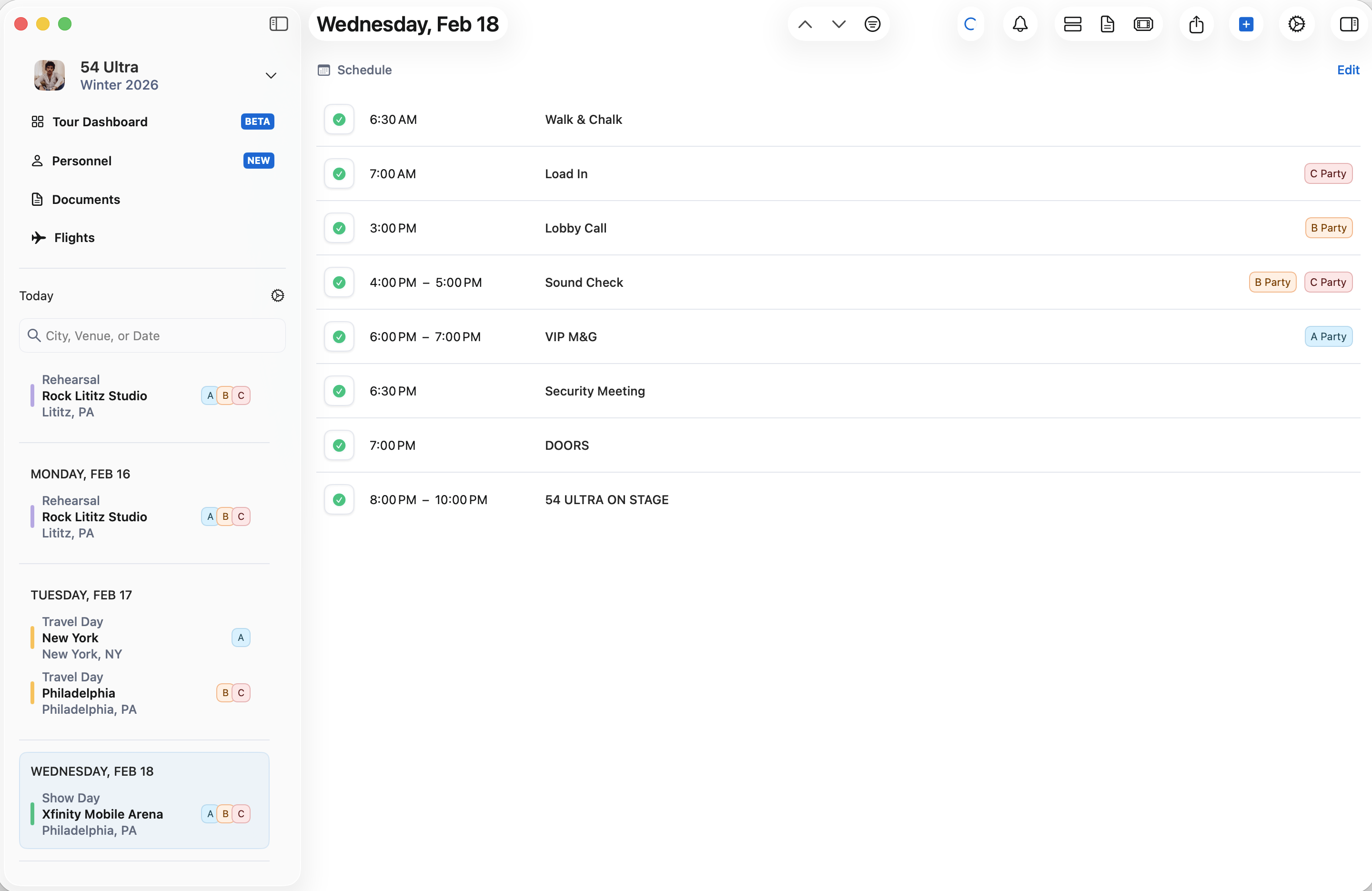
Schedule View
We’ve made the schedule the center focus in Daysheets 2.0. The middle of the app displays all schedule events, transers, and flights for the day. Click here for an in depth look at schedules and templates.Day Details (Right Navigation)
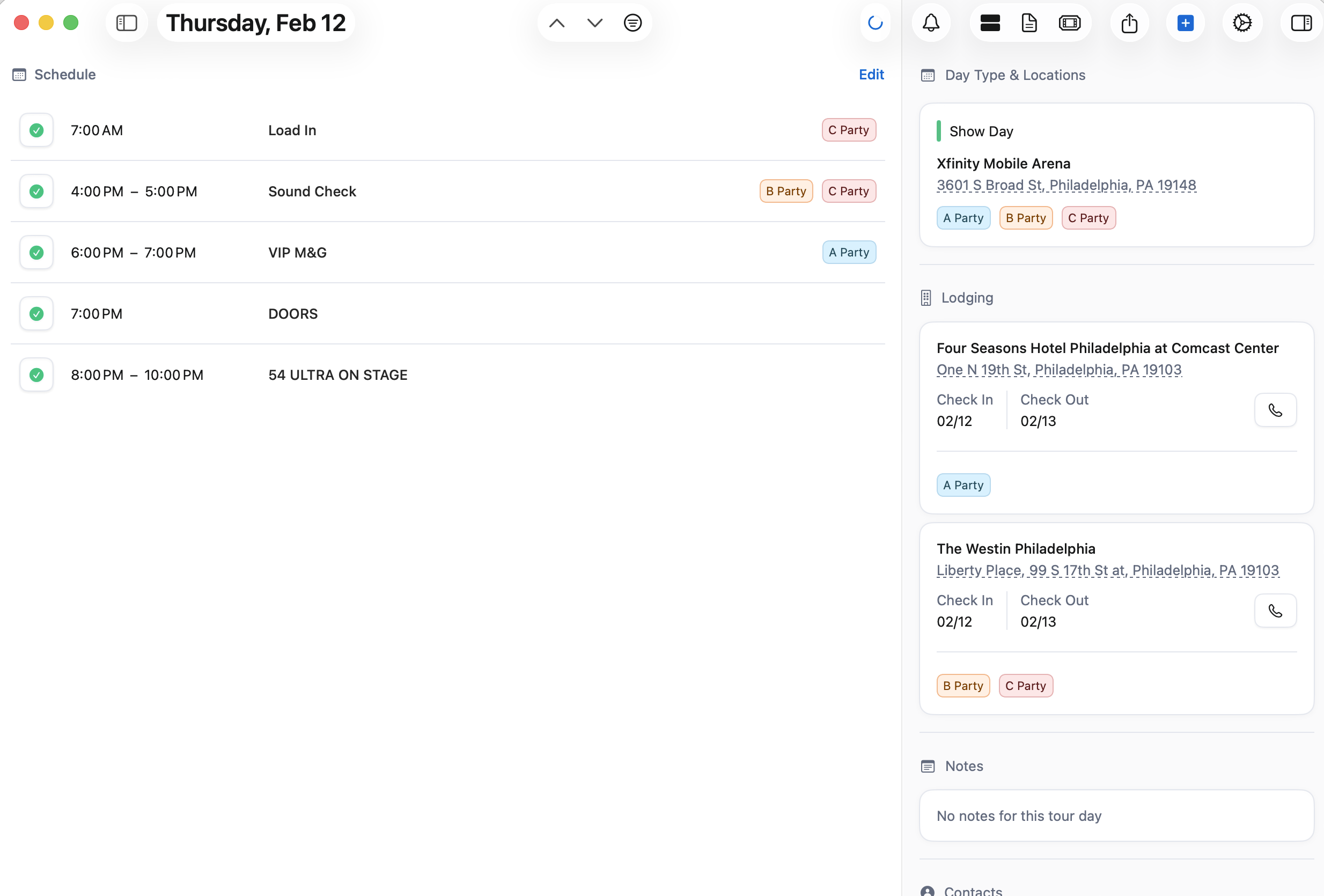
The section on the right display day type and location, lodging information, notes for the day, and any local contacts.